18+ Disclosure: This guide is for adults aged 18 or over who want to create content legally and safely. Some links may be affiliate links — we may earn a commission at no extra cost to you (see our affiliate disclosure). Earnings vary widely; nothing here is a guarantee of income.
Scams aimed at OnlyFans creators, not fans: fake agencies, phishing emails, fake brand deals and account theft, and how to protect your account.
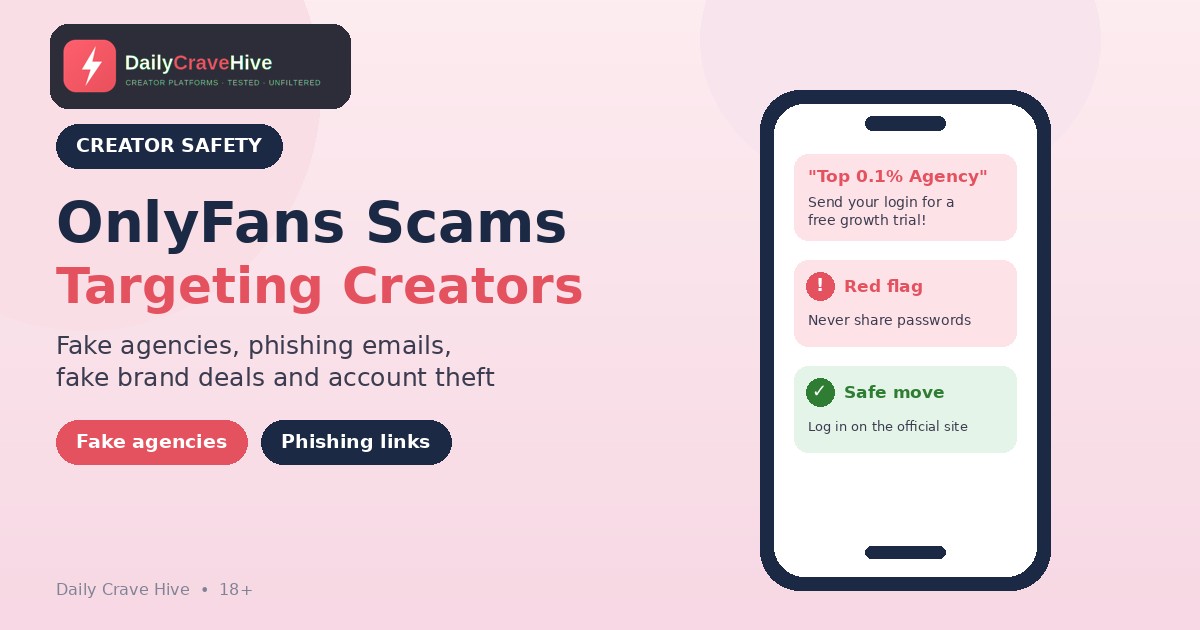
Once your OnlyFans page starts to grow, the offers start arriving. A "top 0.1% agency" wants to triple your income. A brand wants to sponsor you. An email warns your account will be suspended unless you confirm your details. Some of these are genuine. Many aren't.
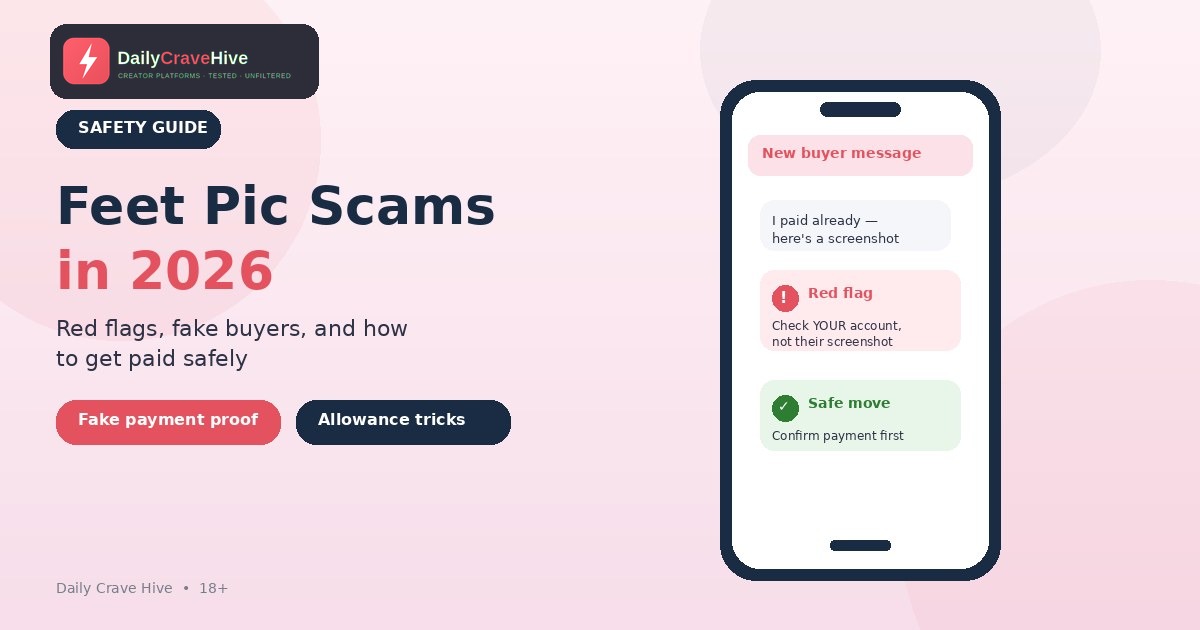
This guide covers scams aimed at creators: fake management agencies, phishing, fake brand deals and account takeovers. It isn't about buyers who try to cheat you in DMs; that's covered in our separate guide to feet pic scams. Where we describe official policy, we quote OnlyFans' Terms of Service, its Creator Center or the Federal Trade Commission (FTC). Descriptions of specific scam scripts are based on patterns commonly reported by creators, not our own testing. Policies change, so check the official site for the latest rules.
OnlyFans Creator Scams At A Glance
| Scam | What they want | Main red flag | Safe response |
|---|---|---|---|
| Fake management agency | Upfront fees, a big cut, or your login | Guaranteed income; asks for your password | Never share logins; check contracts and references |
| Phishing email or text | Your password or bank details | Urgent account "problem" with a link | Go to onlyfans.com yourself, never through the link |
| Fake brand deal | Fees, personal data or free content | You pay to get "sponsored" | Real sponsors pay you |
| Account takeover | Control of your account and earnings | Unknown login, changed email or bank | Secure your email, turn on any extra login security offered, contact support |
| Fake "verification" or "support" | Your ID or login | Contact outside official channels | Use only OnlyFans' own site and support |
Why Scammers Target OnlyFans Creators
Creators have an account with money in it, a public brand and often a strong wish to grow. That makes them a target for two kinds of scam: one that gets into your account, and one that gets a share of your income by promising growth.
The stakes are high. OnlyFans' Terms of Service say OnlyFans isn't responsible for "any lost, stolen, or compromised User accounts, passwords, email accounts, or any resulting unauthorised activities or resulting unauthorised payments or withdrawals of funds." In plain terms, keeping your login safe is your job.
1. Fake Management Agencies
How It Works
You get a DM or email from an "agency" that promises to grow your page. Common pitches, as reported by creators, include:
- Guaranteed income figures ("$10k in your first month")
- A "free trial" that requires your login details
- An upfront "onboarding," "marketing" or "setup" fee
- A contract with a large share of your earnings, a long lock-in period or ownership of your content
Some agencies are legitimate businesses. The problem is that from the outside, a real one and a fake one can look almost identical.
Red Flags
- They want your password. A business that asks for your login gets full control of your page, your messages with fans and possibly your payout settings. If something goes wrong, OnlyFans' Terms say it isn't responsible for compromised accounts or unauthorised withdrawals.
- Guaranteed earnings. No one can guarantee what fans will spend.
- Upfront fees. Scam agencies commonly ask for money before doing any work.
- Pressure to sign quickly, or contracts that claim your content, your account or your social media.
- No verifiable history. No real website, no reachable references, or "proof" that is only screenshots.
How To Protect Yourself
- Never give your login to anyone you haven't fully checked, and think hard before giving it to anyone at all.
- Read any contract in full. Look at the percentage, the length, how you can leave, and who owns your content and accounts.
- Ask for references from current creators and contact them yourself.
- Don't pay an upfront fee for promised growth.
- Keep control of your email address, payout method and identity documents.
OnlyFans also says that "to ensure that profiles remain in the control of their verified creators, all accounts are subject to 'selfie checks' on a regular basis," according to its Creator Center. An agency that tries to run your page without you could run into this. See the OnlyFans Transparency Center for how verification works.
2. Phishing Emails And Texts
How It Works
You get a message that looks like it's from OnlyFans, your bank or a payment provider. It says your account is locked, a payout failed, or your verification has expired. It includes a link to "fix" the problem. That link goes to a fake login page that captures your username and password.
What The FTC Says
The FTC's guide on recognizing and avoiding phishing scams says scammers might "say they've noticed some suspicious activity or log-in attempts," "claim there's a problem with your account or your payment information," or "say you need to confirm some personal or financial information." It adds that "legitimate companies won't email or text with a link to update your payment information."
How To Protect Yourself
- Don't click. Open onlyfans.com yourself, or use a bookmark, and check your account directly.
- Check the sender and the link, but remember that addresses and logos can be faked.
- Use multi-factor authentication wherever it's offered. The FTC says it "makes it harder for scammers to log in to your accounts if they do get your username and password."
- Report phishing. The FTC suggests forwarding phishing emails to reportphishing@apwg.org and reporting the attempt at ReportFraud.ftc.gov.
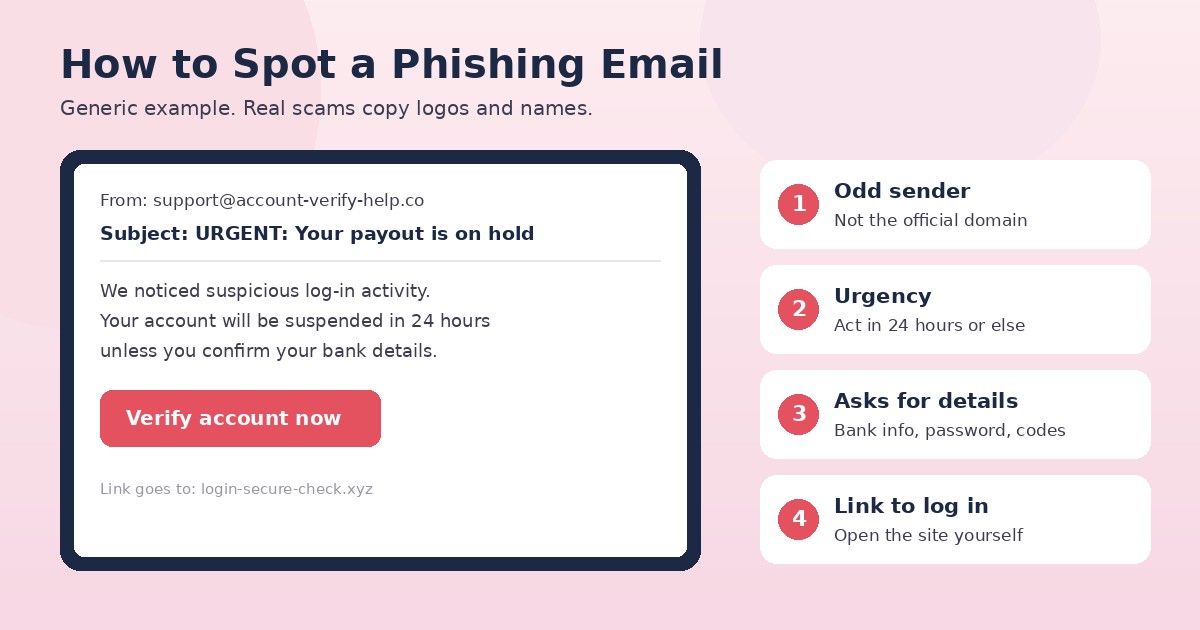
Phishing emails often claim your account or payout has a problem and push you to click a link.
3. Fake Brand Deals And Sponsorships
How It Works
An "agency" or "brand manager" offers a paid sponsorship or collaboration. Then come the conditions, commonly reported by creators: pay for a "starter kit," pay a "registration" fee, download a file to "view the contract," or send personal and banking details before the deal is confirmed.
Red Flags
- You have to pay something to get paid
- The contract arrives as a download or a link to log in somewhere
- They ask for ID or bank details before a written contract
- The brand's real website and social accounts don't mention the person contacting you
How To Protect Yourself
Real sponsors pay you; you don't pay them. Contact the brand through its official website to check that the person works there. Don't download files from people you don't know. If a payment arrives for more than agreed and they ask for some back, stop. The FTC describes that overpayment pattern as a scam.
4. Account Takeovers
How It Works
Someone gets into your OnlyFans account, usually through a reused password, a phishing link, a hacked email account or a login you shared. Once inside, they may change your email, change your payout details or message your fans.
Warning Signs
- Login alerts or password reset emails you didn't request
- Changes to your email address, profile or bank details that you didn't make
- Messages or posts you didn't send
What To Do
- Secure your email first. Whoever controls your email can usually reset your other passwords.
- Change your OnlyFans password and turn on any extra login security available in your account settings.
- Check your banking and payout details for changes.
- Contact OnlyFans support through the official site, not through a link you were sent.
- Report it. In the US, report scams to the FTC at ReportFraud.ftc.gov. If you think a scammer has your financial or identity details, the FTC recommends IdentityTheft.gov.
5. Fake Support And Fake Verification
A message claims to be "OnlyFans support" or "verification team" and asks for your ID, a selfie, your password or a code that was sent to your phone. Creators commonly report these arriving by DM, email or social media.
Treat any unexpected request for your login, codes or ID as a scam until you've confirmed it inside your own account on the official site. Never share a one-time login code with anyone.
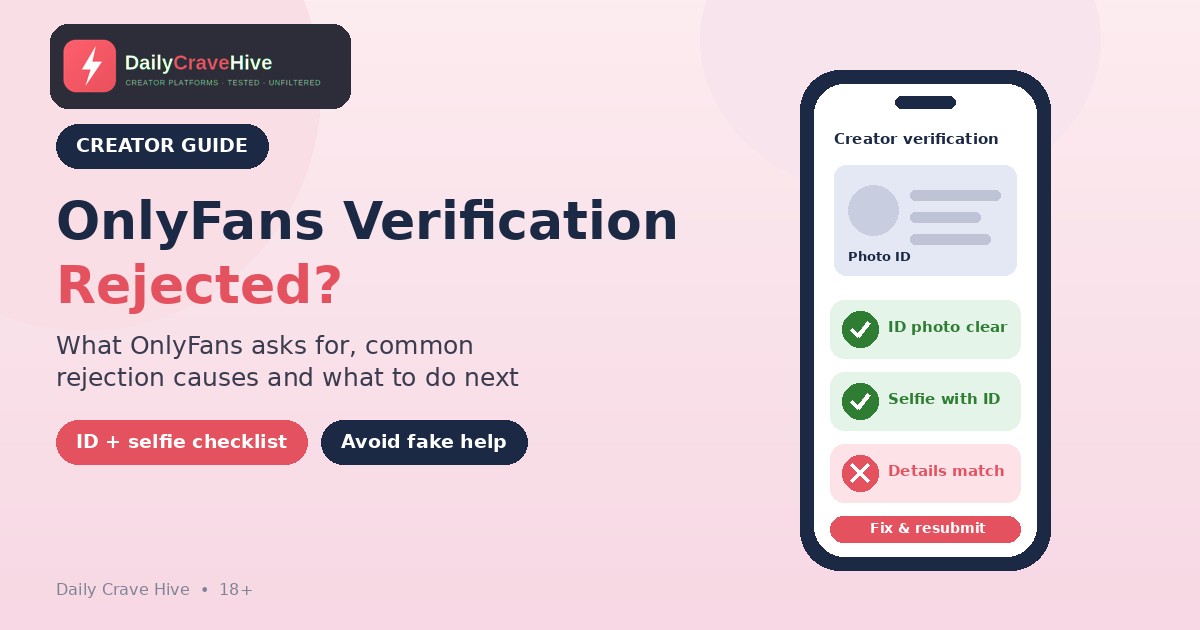
If your creator application was rejected, see our guide to OnlyFans verification rejected for the official requirements and safe next steps.
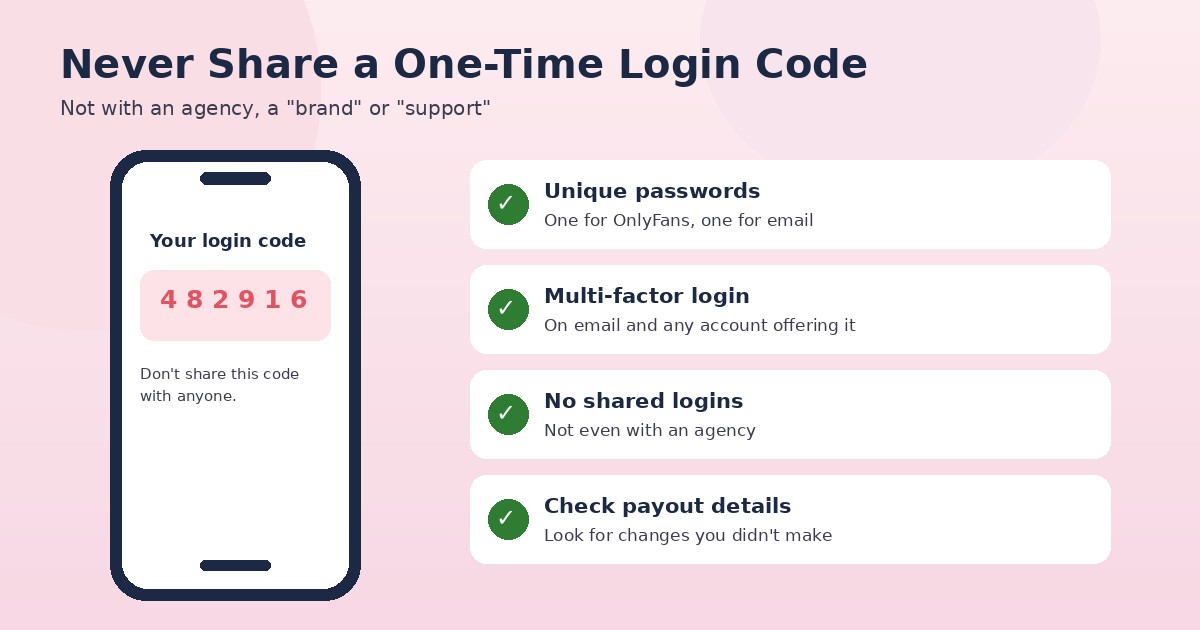
Never share a one-time login code, even with someone who claims to be from support.
Creator Security Checklist
- A unique password for OnlyFans and your email
- Multi-factor authentication on your email and any account that offers it
- No shared logins, including with agencies and assistants, unless you fully trust and have a written agreement
- Check your payout and banking details regularly
- Bookmark the official site and always log in from there
- A separate email for your creator work
- Keep screenshots of agency offers, contracts and suspicious messages
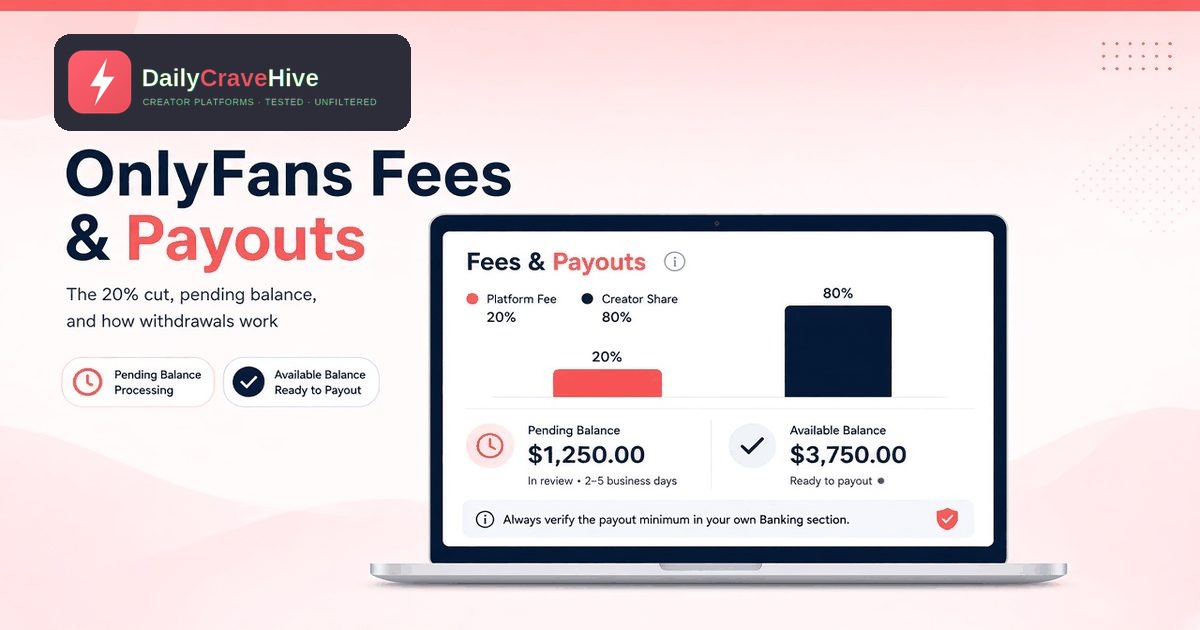
Your payout settings matter too. Our guide to OnlyFans fees and payouts explains how earnings move from pending to current balance, so you can spot anything unusual. If you're thinking about spreading risk across platforms, see our list of OnlyFans alternatives.
Frequently Asked Questions
Are OnlyFans management agencies legit?
Some are real businesses, and some are scams. Be careful of guaranteed earnings, upfront fees, requests for your password and contracts that claim your content or accounts. Check references and read the full contract before you sign.
Should I give an agency my OnlyFans password?
We'd strongly advise against it unless you fully trust them and have a written agreement. OnlyFans' Terms say it isn't responsible for compromised accounts or unauthorised withdrawals.
How do I know if an OnlyFans email is real?
Don't use the link in the email. Go to onlyfans.com yourself and check your account. The FTC says legitimate companies won't email or text you a link to update your payment information.
What should I do if my OnlyFans account was hacked?
Secure your email first, change your password, check your payout details and contact OnlyFans support through the official site. Report the scam to the FTC at ReportFraud.ftc.gov if you're in the US.
Are brand deals that ask for a fee real?
If you have to pay to be sponsored, treat it as a scam. Real sponsors pay creators, not the other way round.
Where do I report an OnlyFans phishing message?
The FTC suggests forwarding phishing emails to reportphishing@apwg.org and reporting the attempt at ReportFraud.ftc.gov. Also report it to OnlyFans through the official site.
Final Thoughts
Most scams aimed at OnlyFans creators want one of two things: your login, or a share of your income in exchange for promises. Keep your password and codes to yourself, go to the official site rather than clicking links, and check any agency or brand carefully before you sign or pay. Slow decisions protect your account.
Last checked: October 14, 2026. This guide is for adults aged 18 and over.
Alma MartinEditor, Daily Crave Hive
Alma Martin is the editor at Daily Crave Hive. She reviews creator and adult platforms - fees, payouts, safety and more - so readers get honest guides before they sign up.