18+ Disclosure: This guide is for adults aged 18 or over who create content legally. Some links may be affiliate links — we may earn a commission at no extra cost to you (see our affiliate disclosure). Earnings vary widely; nothing here is a guarantee of income or growth.
Last checked: October 25, 2026. A step-by-step plan for launching an OnlyFans page when nobody knows you yet, using the tools and rules OnlyFans itself publishes.
Most OnlyFans advice assumes you already have an audience somewhere else. If you don't, starting can feel impossible. Who's going to subscribe to a page nobody has heard of?
It is possible to start from zero, but it's slower, and it depends on bringing in traffic yourself. This guide is built on what OnlyFans itself publishes: its Terms of Service (last updated August 2024, checked October 25, 2026) and its official blog posts "How to Promote Your OnlyFans Profile" and "OnlyFans Campaigns." Anything we couldn't confirm on an official OnlyFans page is labelled commonly reported. We haven't run an OnlyFans account ourselves, so this isn't a "what worked for me" story. Features change, so please check the official site before relying on any step.
One honest point first. OnlyFans' Terms say it is not responsible for "any promise or guarantee that Creators or Referring Users will generate earnings from OnlyFans." Nobody can promise you growth, including us.
The Starting-From-Zero Plan At A Glance
| Step | What to do | Source |
|---|---|---|
| 1. Set up properly | ID, two photos, payout method, price | Confirmed (Terms of Service) |
| 2. Pick a niche and a name | One clear angle, one consistent handle | Commonly reported |
| 3. Stock your page | Content ready before promotion | Commonly reported |
| 4. Turn on watermarks | Your profile URL on your content | Confirmed (OnlyFans blog) |
| 5. Promote off-platform | Social bios, posts, forums within their rules | Confirmed (OnlyFans blog) |
| 6. Track every source | One tracking link per channel | Confirmed (OnlyFans blog) |
| 7. Use free trials or discounts | Paid subscription pages only | Confirmed (OnlyFans blog) |
| 8. Collaborate | Tags, joint PPV messages, co-streams | Confirmed (OnlyFans blog) |
As checked on October 25, 2026. Check the official site, because features may change.
Step 1: Set Up Your Account Properly
Under OnlyFans' Terms, a creator account requires you to:
- Be at least 18
- "Upload a valid form of ID and two photos of you"
- Add a bank account or payment method and choose a payout option
- Set "a monthly subscription price, if any"
- Add content for fans to view when they subscribe
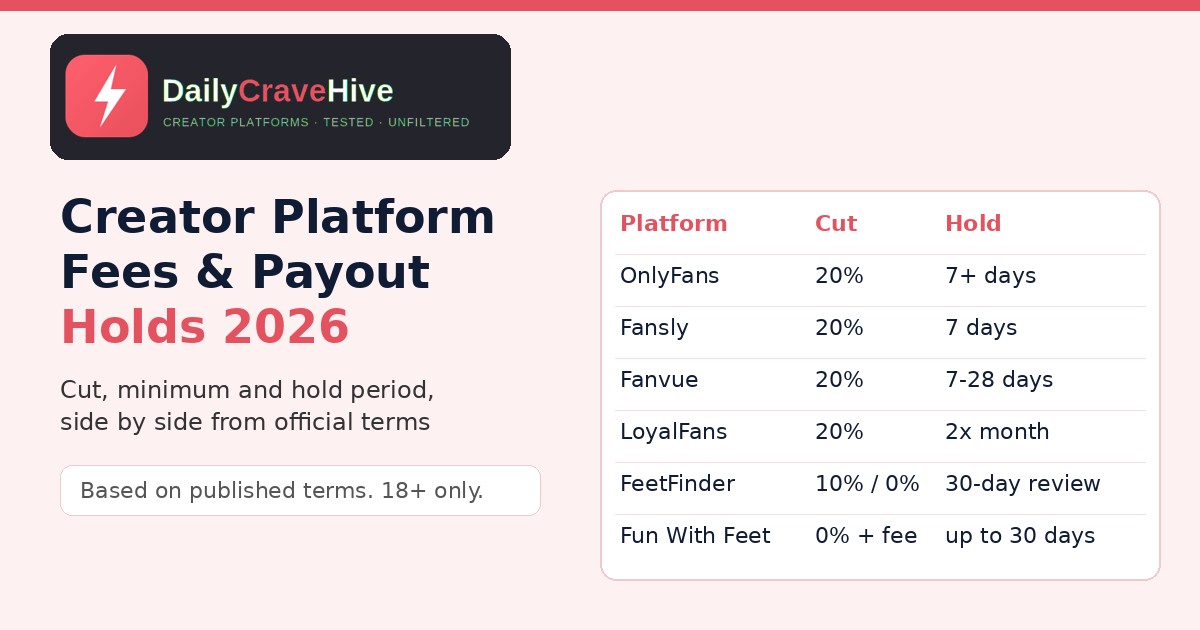
Getting verified can take a few tries. If your ID is rejected, our guide to OnlyFans verification rejected explains what to do. Check the current fee before you set prices. OnlyFans' Terms put its fee at "20% of the total Fan Payment," so you keep the remaining 80% before any bank or currency charges.
Step 2: Choose A Clear Niche And Name
With no audience, being specific matters more than being broad. It's commonly reported that new creators grow faster when a fan can tell in a few seconds what the page offers. That might be a style, a theme or a content type.
Pick one creator name and use it everywhere. If you want privacy, use a stage name rather than your legal name, and keep your personal accounts separate. OnlyFans' Terms note that it isn't responsible for whether your content "is viewed by individuals that recognise your identity," so privacy is something you have to plan for yourself.
Step 3: Stock Your Page Before You Promote
An empty page doesn't convert. It's commonly reported that creators do better when they launch with a backlog of posts. That way, a new visitor can see what they'd get and a new subscriber has something to enjoy straight away. Plan a posting schedule you can actually keep up, because a page that goes quiet after week one loses the few fans it gained.
Step 4: Turn On OnlyFans Watermarks
OnlyFans' blog says it can "digitally watermark your photos and videos." By default, the watermark shows "your profile's URL: OnlyFans.com/username," and adding custom text is optional. The blog describes watermarking as a way to protect your copyright that also "tells people exactly where they can subscribe to see more." If your teasers get reshared, the watermark points people back to you.
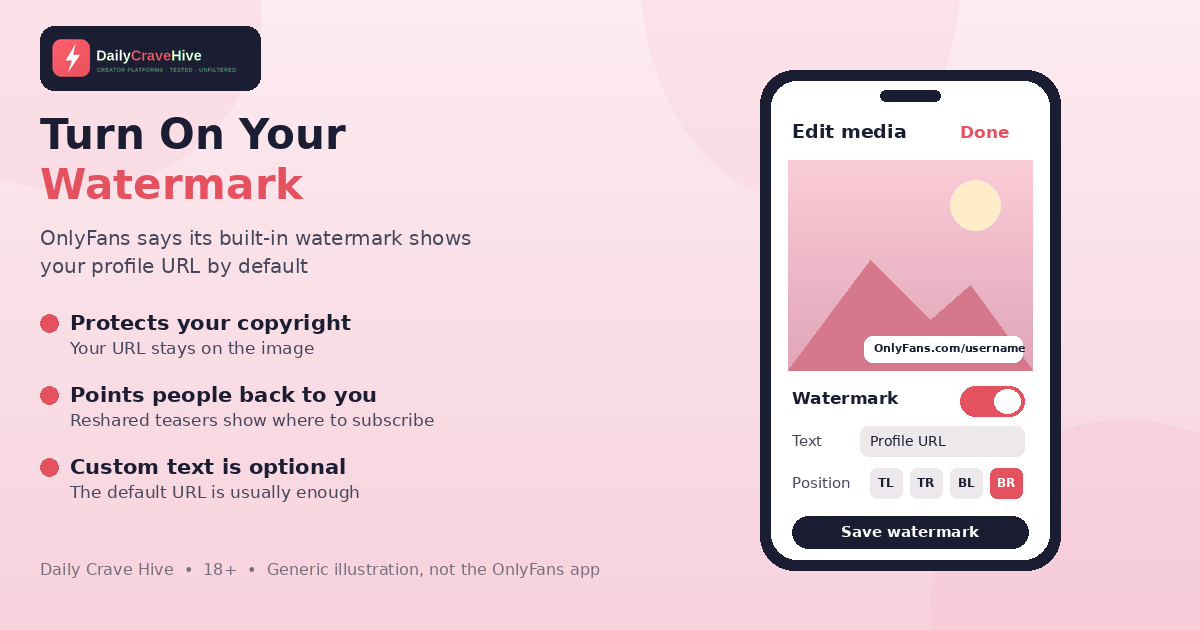
OnlyFans says its built-in watermark shows your profile URL by default. Illustration only, not the OnlyFans app.
Step 5: Promote Off-Platform, Within The Rules
OnlyFans' Terms say it "may use recommender systems," for example by showing creator accounts on users' home pages. But with no followers, most of your early traffic is commonly reported to come from outside OnlyFans. The official blog post "How to Promote Your OnlyFans Profile" suggests:
- Social media: add your OnlyFans or landing page link to your bio, announce your launch and share "short clips or samples."
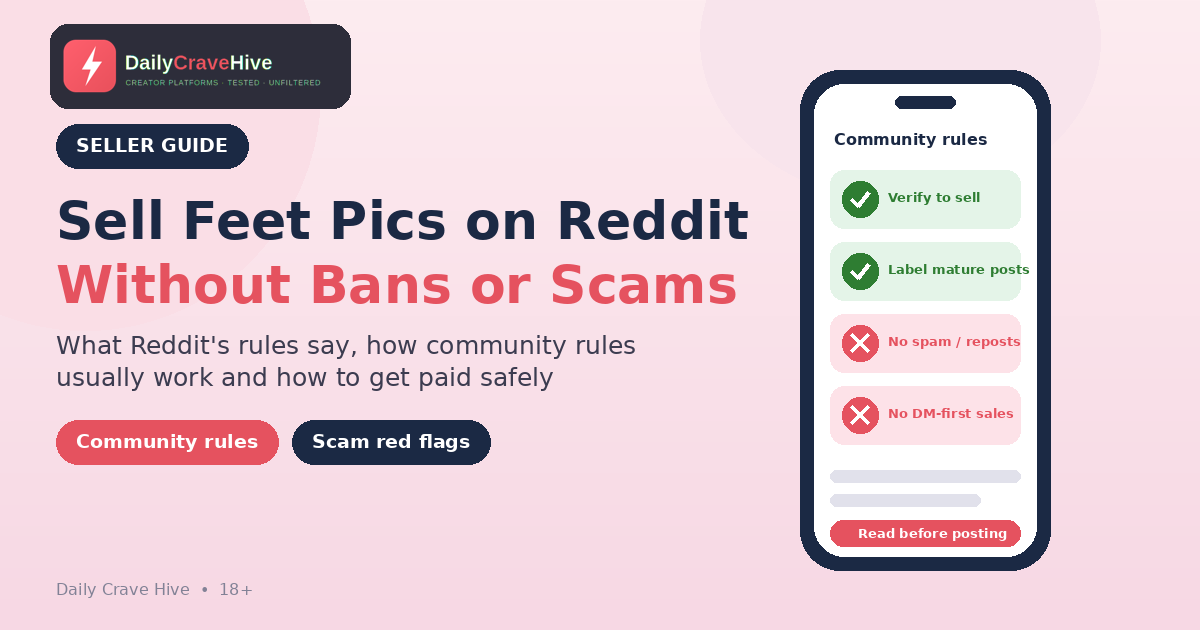
- Discussion boards and blogs: forums "like Reddit or relevant blogs" are often organised by topic, so they can reach people whose interests match your content.
- A landing page: gather all your links in one place instead of sharing several, which the blog says can be confusing.
The blog also gives two warnings. Make sure your posts "adhere to each platform's specific community guidelines," and "never spam your OnlyFans profile," or "you may find yourself muted, unfollowed, blocked, or banned."
What OnlyFans' Terms Forbid
The Terms add hard rules for links that promote your page:
- "Any link promoting your Creator account must comply with our Terms of Service and the terms of service where you advertise."
- "Do not promote your OnlyFans account using Google Ads or any similar advertising platform or search engine advertising service."
- Don't link "in a way that is deceptive" or that suggests OnlyFans approves or endorses you.
So paid search ads are out. Organic posting on platforms that allow your content is the main route.
Step 6: Track Every Source With Tracking Links
The official blog post "OnlyFans Campaigns" explains that you can create tracking links from your Profile Settings, under "Tracking links" in the Subscription section. You name each link, for example "Twitter" or "Linktree bio," and OnlyFans shows how many clicks each link got and how many of those clicks turned into subscriptions.
When you're starting from zero, this matters a lot. Your time is limited, and guessing which channel works wastes it. A simple routine:
- Create one link per platform and only use that link there.
- Check your links every week.
- Put your time into the channels that bring subscribers, not just clicks.
- Drop or rethink channels that send clicks but no subscriptions after a few weeks.
Step 7: Use Free Trials And First-Month Discounts
According to the blog, creators "with paid subscription accounts" can launch a promotion campaign with either:
- Free trials: you set the offer limit, expiration and trial duration
- First-month discounts: you set the offer limit, expiration and discount percentage
You then copy the link and share it. A free trial gives curious visitors a low-risk way in, which helps when nobody knows you yet. It's commonly reported that trials work best with a strong welcome message and good content waiting, so that fans stay after the trial ends. Pair each trial link with its own tracking link if you want to see which offer actually converts.
Step 8: Collaborate With Other Creators
The blog describes three ways to collaborate:
- Create content together, tag each other and schedule the post to go live at the same time.
- Collaborative PPV messages, "potentially letting you reach twice as many fans while splitting the earnings."
- Co-streaming on OnlyFans.
OnlyFans' Terms say anyone in co-authored content must be either a creator you've tagged using OnlyFans' tool, or an adult whose proof of identity and "written, informed consent" you've obtained. Get that right before you post together, because OnlyFans can restrict the content or your account if the paperwork is missing.
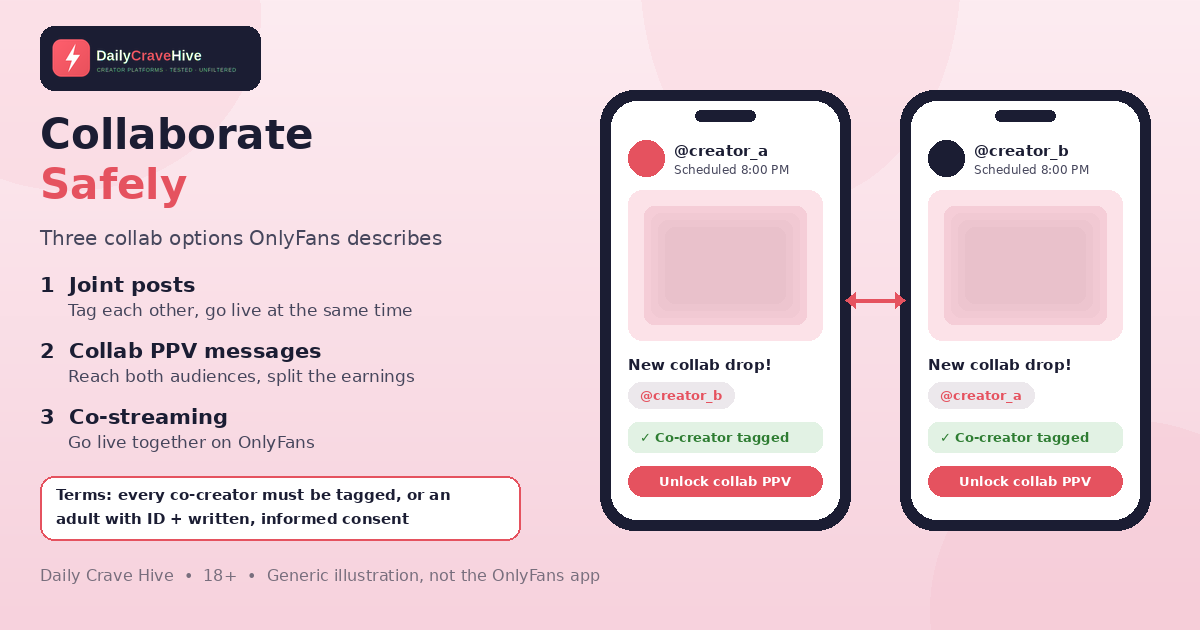
Collaborations can introduce you to another creator's audience, but every co-creator must be tagged or have given documented consent. Illustration only.
Look After The Fans You Get
The blog ends with an important reminder: make sure "your promotional efforts don't get in the way of delivering consistent, quality content to your existing fans." When you're small, every fan who stays is worth more than a new click. Reply to messages, keep your posting schedule and thank early subscribers.
What To Avoid When Starting Out
- Agencies promising guaranteed growth. Upfront fees and requests for your login are classic warning signs. See our OnlyFans scams guide.
- Paid search ads. These are banned by the Terms.
- Spamming. The blog warns this can get you muted, blocked or banned.
- Moving payments off-platform. It's commonly reported to lead to chargebacks and stolen content.
- Phishing messages pretending to be OnlyFans. The FTC's guide to recognizing and avoiding phishing scams advises contacting companies through a website you know is real.
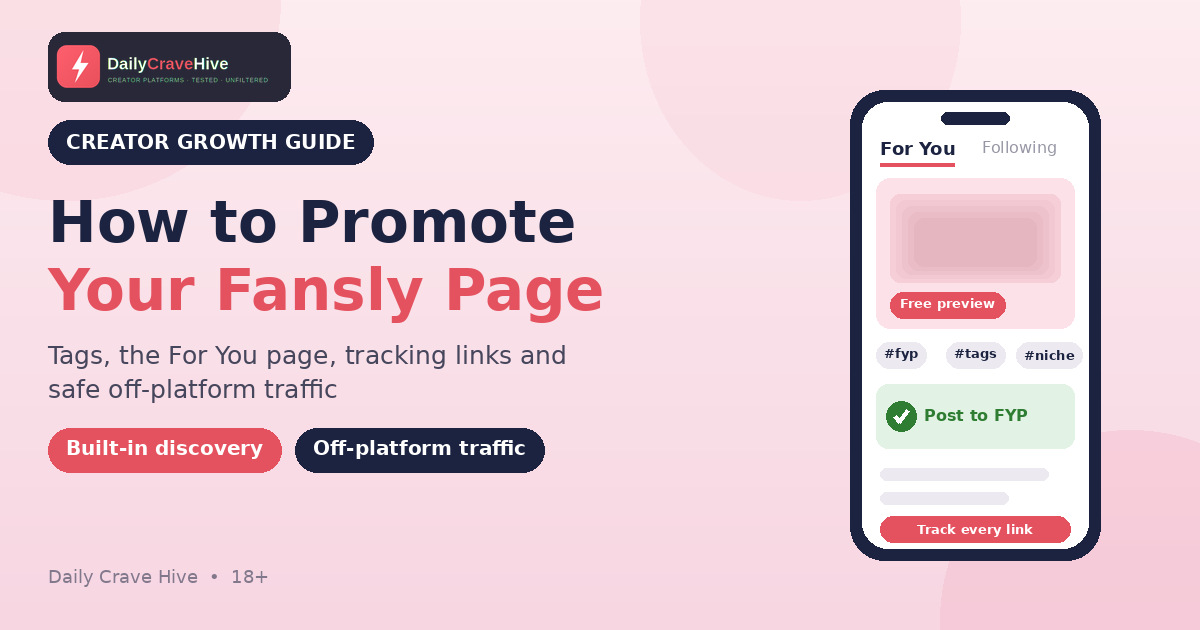
If OnlyFans turns out not to suit you, our OnlyFans alternatives guide compares platforms with more built-in discovery. If you choose Fansly, our guide on how to promote Fansly covers its tags, For You page and tracking links.
Frequently Asked Questions
Can you start OnlyFans with no followers?
Yes, but expect slower growth. With no existing audience, you'll need to bring in traffic yourself through social media, forums that allow your content, collaborations and free trials. OnlyFans' Terms say it doesn't guarantee earnings.
Can I advertise my OnlyFans on Google?
No. OnlyFans' Terms say: "Do not promote your OnlyFans account using Google Ads or any similar advertising platform or search engine advertising service."
How do OnlyFans tracking links work?
According to OnlyFans' blog, you create tracking links in Profile Settings under the Subscription section, name each one by source, and see how many clicks and subscriptions each link brings.
Can I offer a free trial on OnlyFans?
According to OnlyFans' blog, creators with paid subscription accounts can offer free trials or first-month discounts. You set the offer limit, expiration and trial length or discount percentage.
Does OnlyFans watermark content?
Yes. OnlyFans' blog says it can digitally watermark photos and videos. By default, the watermark shows your profile URL.
How long does it take to get subscribers?
There's no official figure. It varies widely with your niche, content, promotion and consistency. Be wary of anyone who promises fast, guaranteed results.
Final Thoughts
Starting OnlyFans from zero is about doing the basics consistently. Set up properly, stock your page, turn on watermarks, promote within each platform's rules, track every link, use trials wisely and collaborate safely. It's slow at first, and nobody can guarantee results. Check the official site for the latest tools and terms.
Last checked: October 25, 2026. This guide is for adults aged 18 and over.
Alma MartinEditor, Daily Crave Hive
Alma Martin is the editor at Daily Crave Hive. She reviews creator and adult platforms - fees, payouts, safety and more - so readers get honest guides before they sign up.